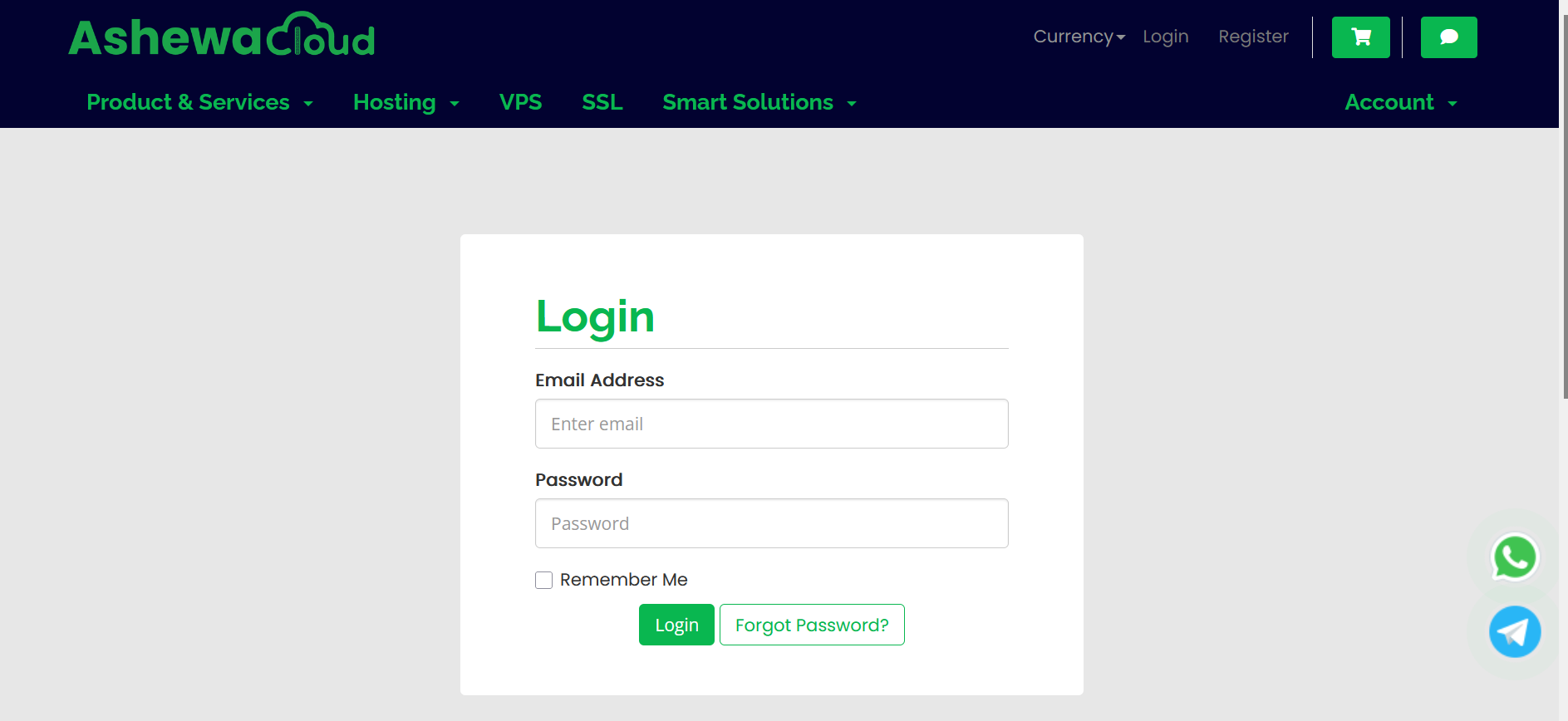
1.Login to https://manage.ashewacloud.com/index.php?rp=/login with your login credentials
2.After login to the system follow the below instruction screenshot, for DirectAdmin after the below screenshot then move to step 4.

3. For DirectAdmin, check the domain you want to login to control panel and click on the row as attached on the image below:

4. For DirectAdmin, Finally Scroll Down to below and you will see a button said that "Login to DirectAdmin"

- 0 Users Found This Useful