Step 1
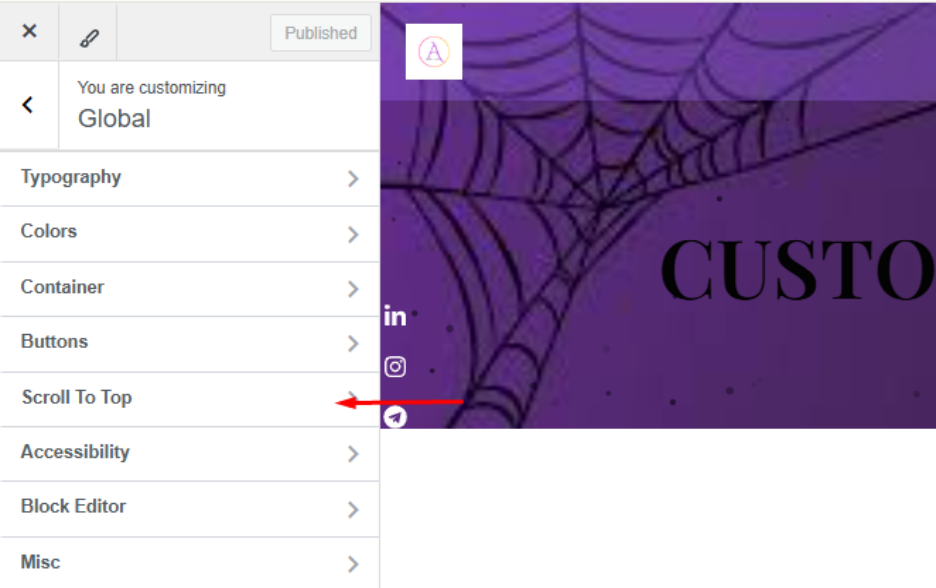
On the Global Customization page, you will find an option labeled “Scroll to Top.” Click on this option to access its settings and customize its behavior according to your preferences.
 Step 2
- Purpose: It’s designed to enhance user convenience and navigation, especially on long pages where scrolling back to the top manually can be tedious.
- Positioning: The button is usually displayed in a fixed position on the page, commonly at the bottom-right corner.
- Design & Visibility:
- It might only show up when users have scrolled down a certain amount.
- Often styled with an arrow or icon pointing upwards and can be customized to match your website’s theme.
- Behavior:
- When clicked, it scrolls the page smoothly back to the top (instead of jumping there abruptly).
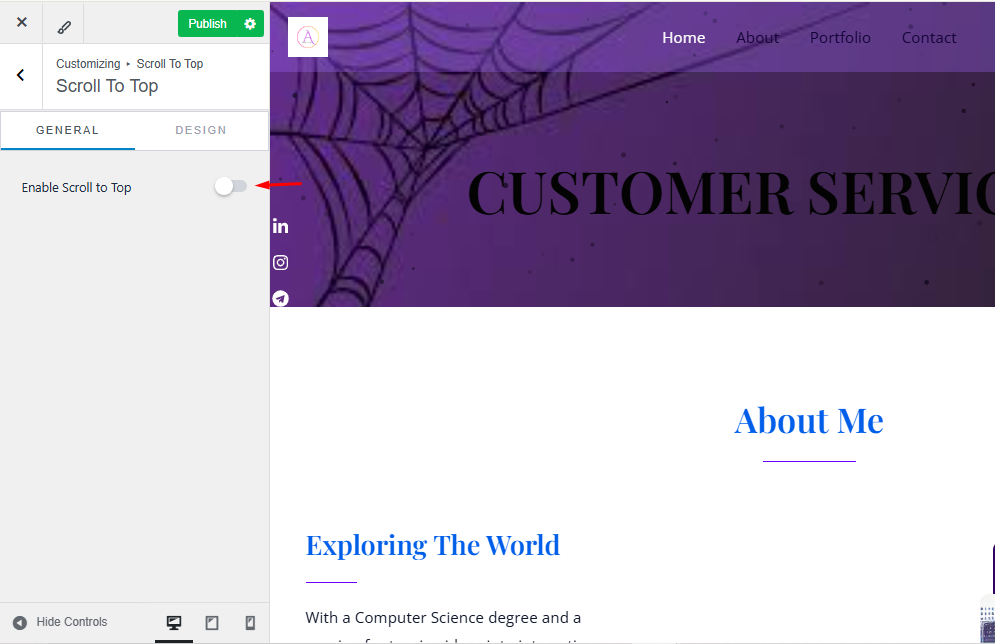
- Enable the Scroll to Top feature to make it accessible
Step 3
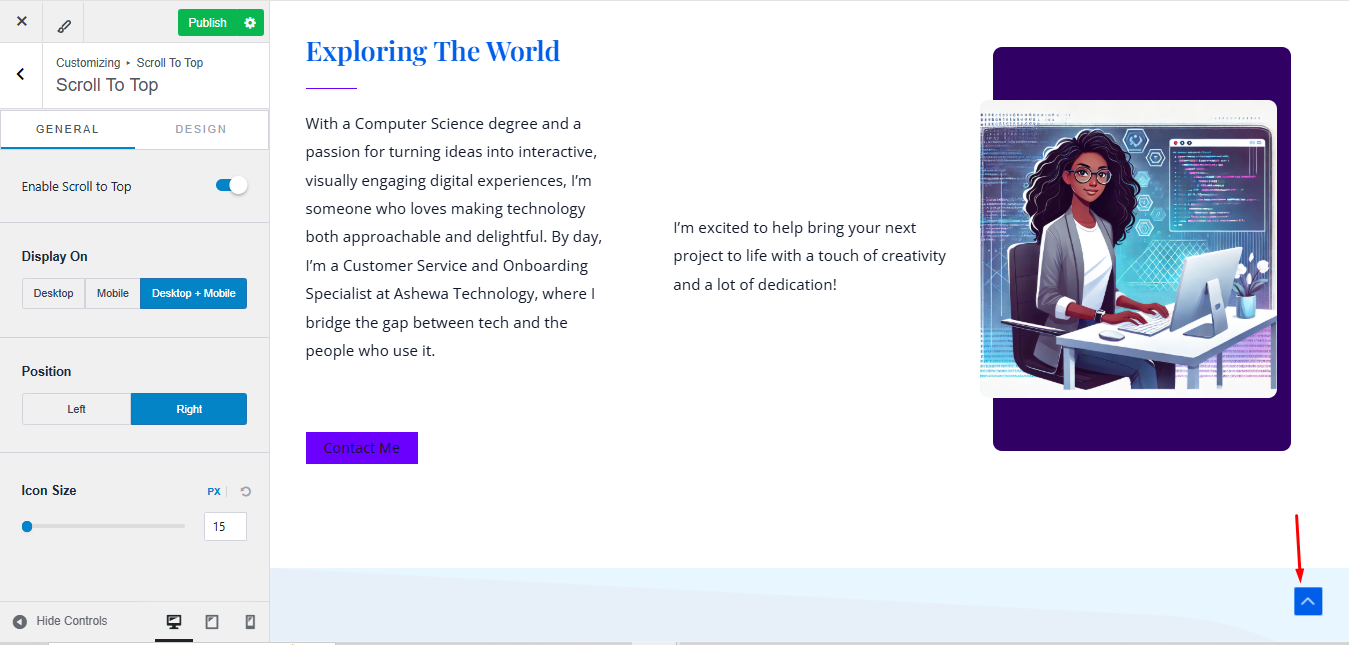
It will appear as shown by the red arrow below, allowing users to quickly navigate back to the top of the page.