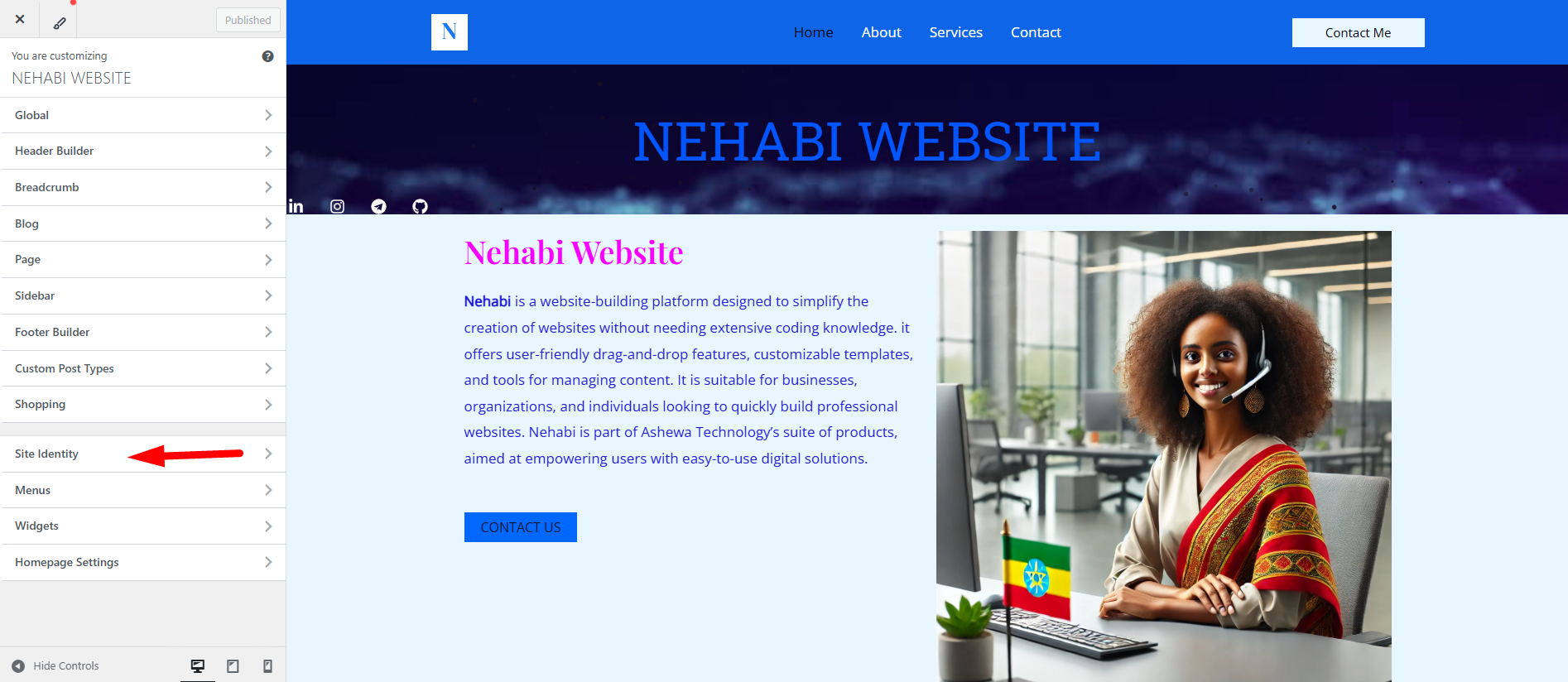
Step 1
“Click” on “Site Identity” to access the following
- Site Title: The main title of your website.
- Tagline: A short description or slogan for your website.
- Site Icon (or favicon): The small icon that appears in browser tabs, bookmarks, and mobile home screens.
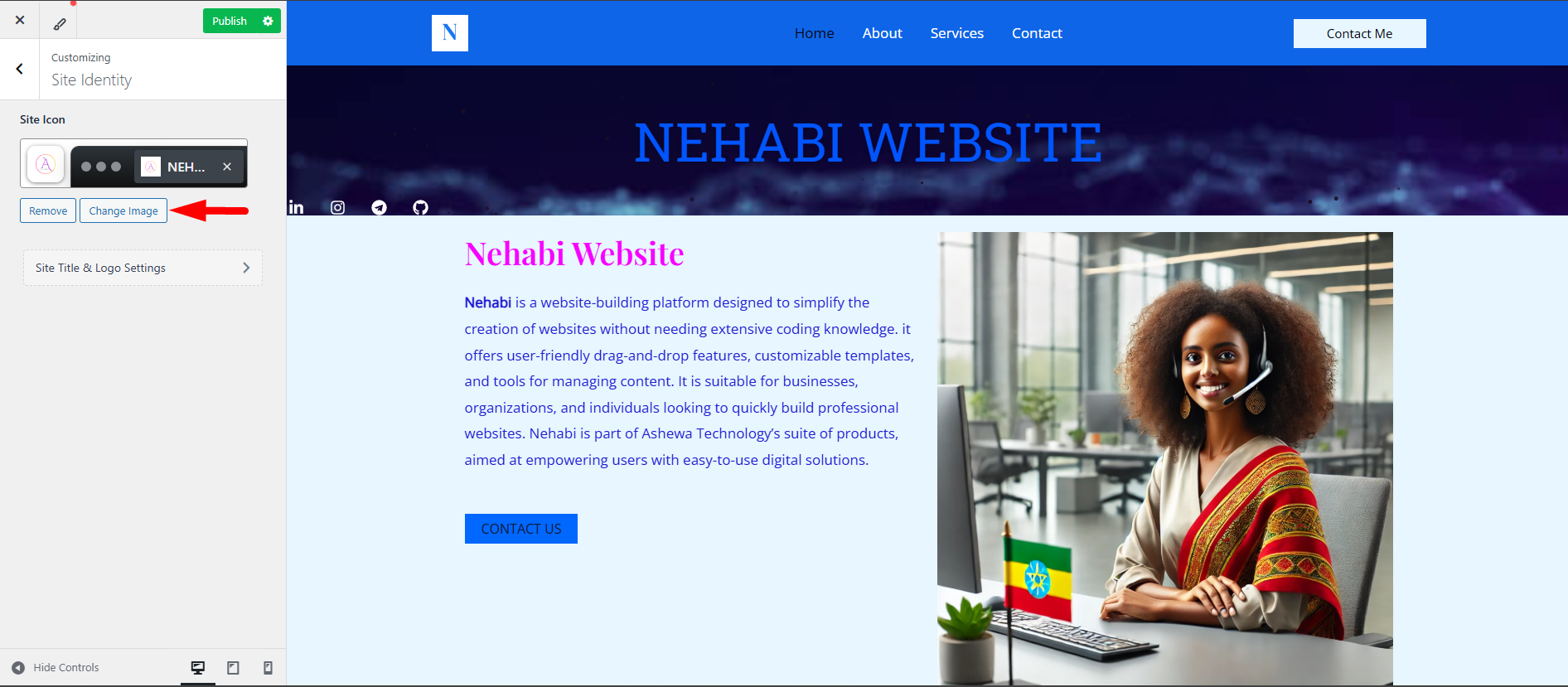
Step 2
To edit the image, “click” on the Change Image option.
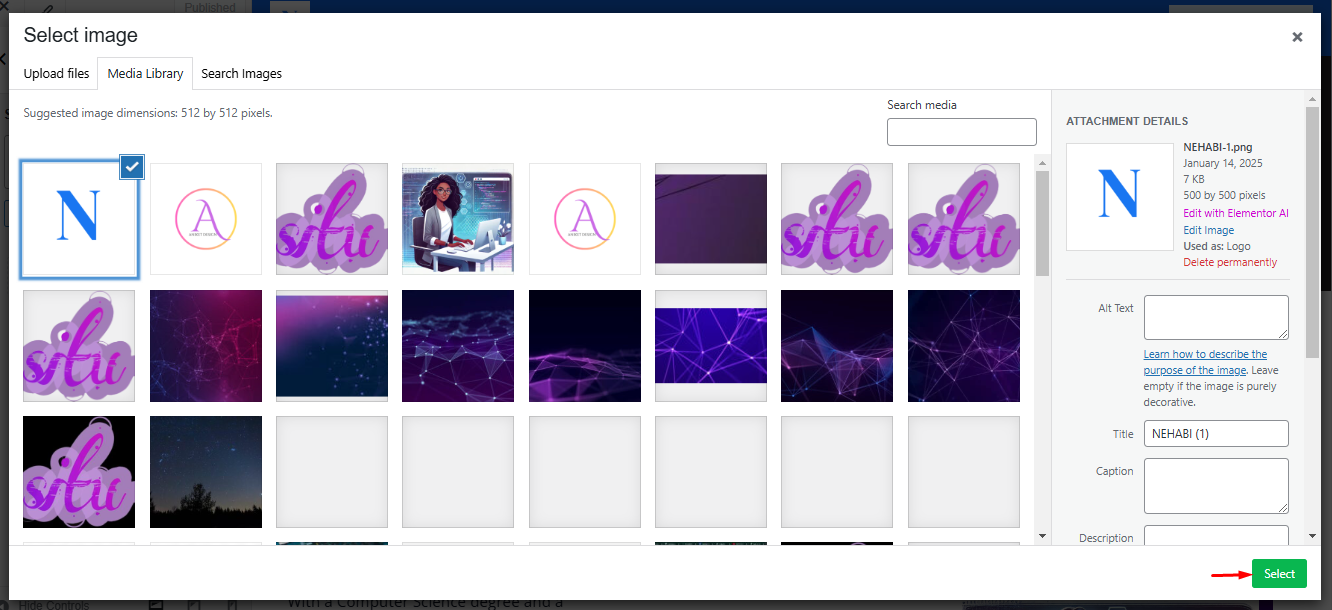
Step 3
Once you select your desired image, “click” on Select to confirm your choice.
Step 4
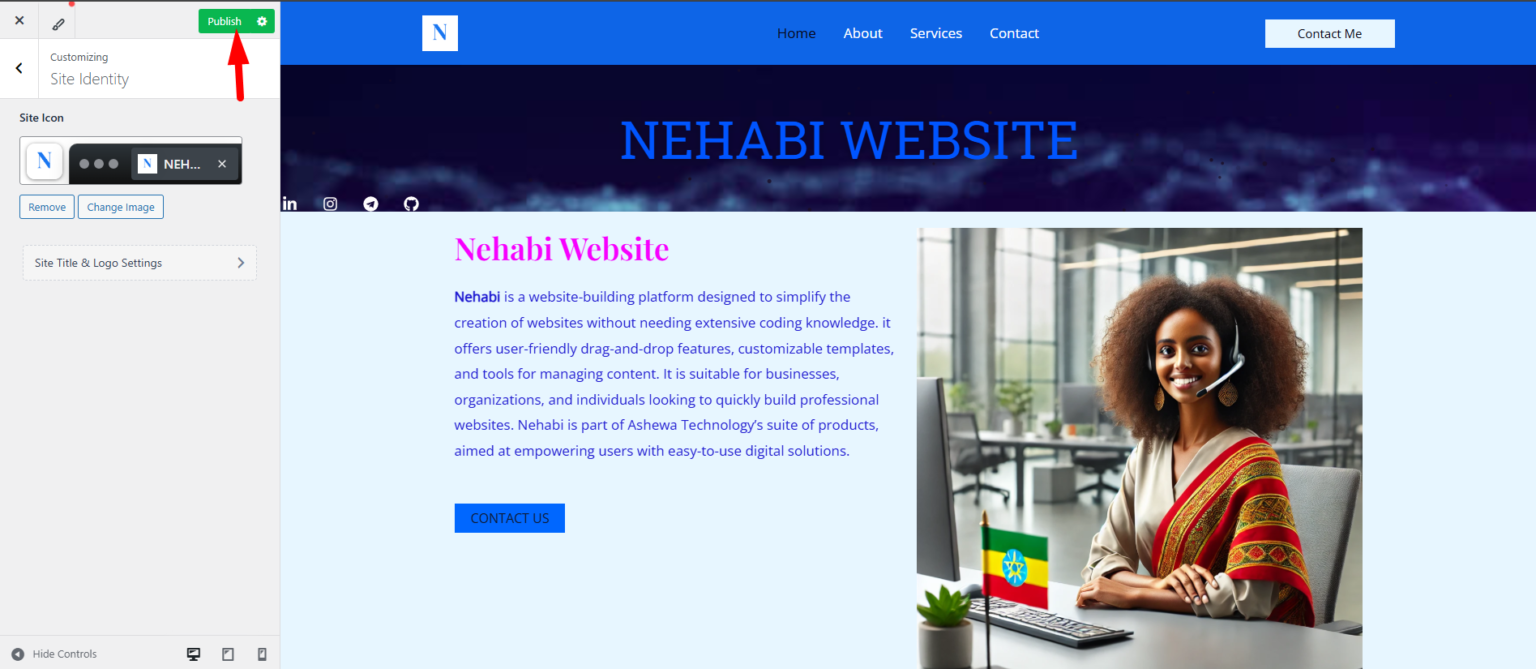
When you’re done customizing, don’t forget to “click” Publish to save and apply your changes.