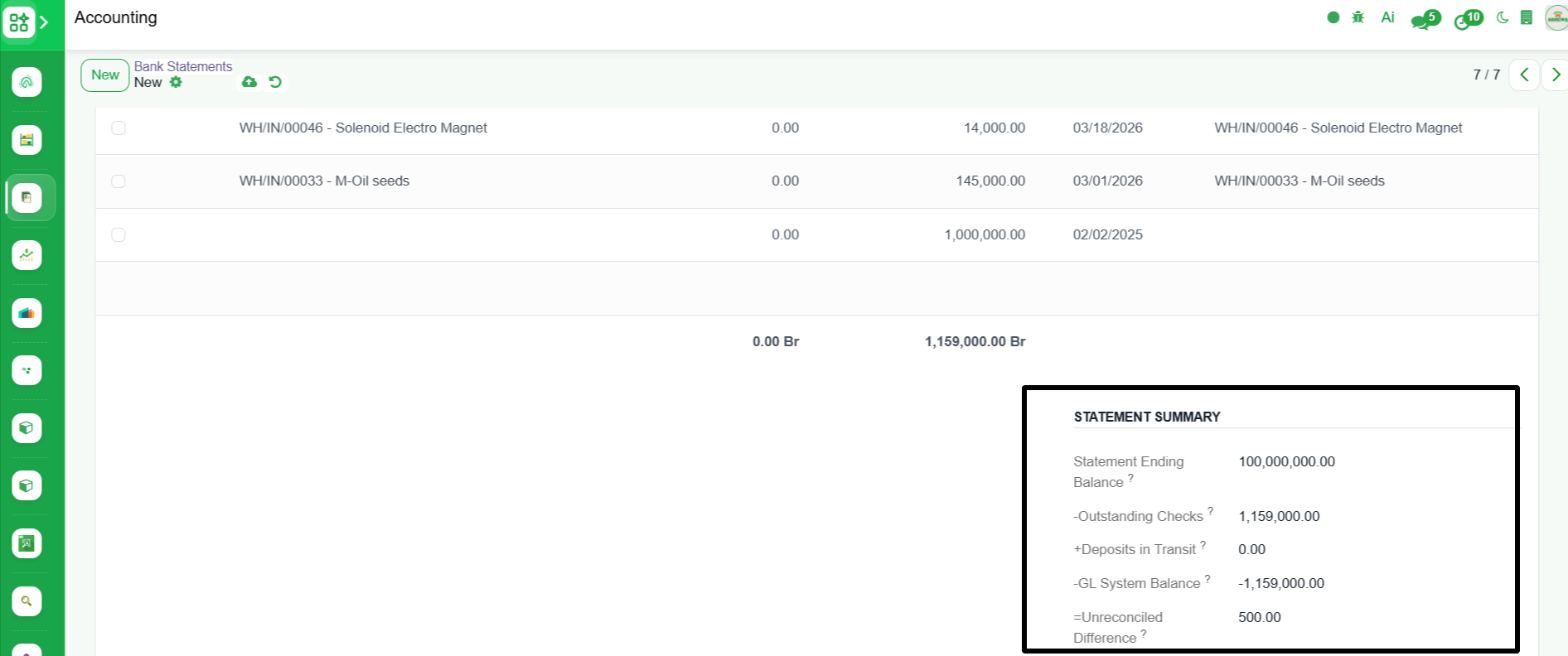
Bank Statement Reconciliation
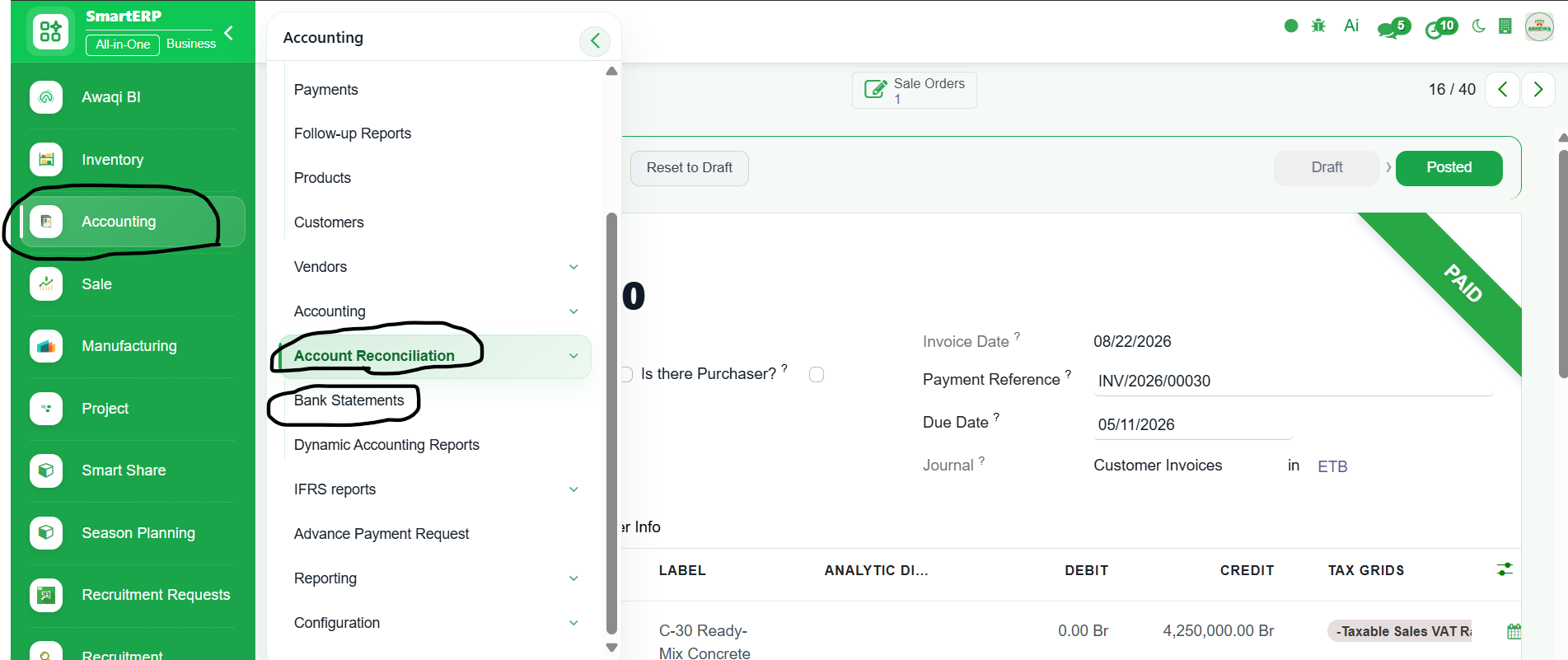
1. Go to Accounting
2. Click ‘Account Reconciliation’
3. Select ‘Bank Statement’
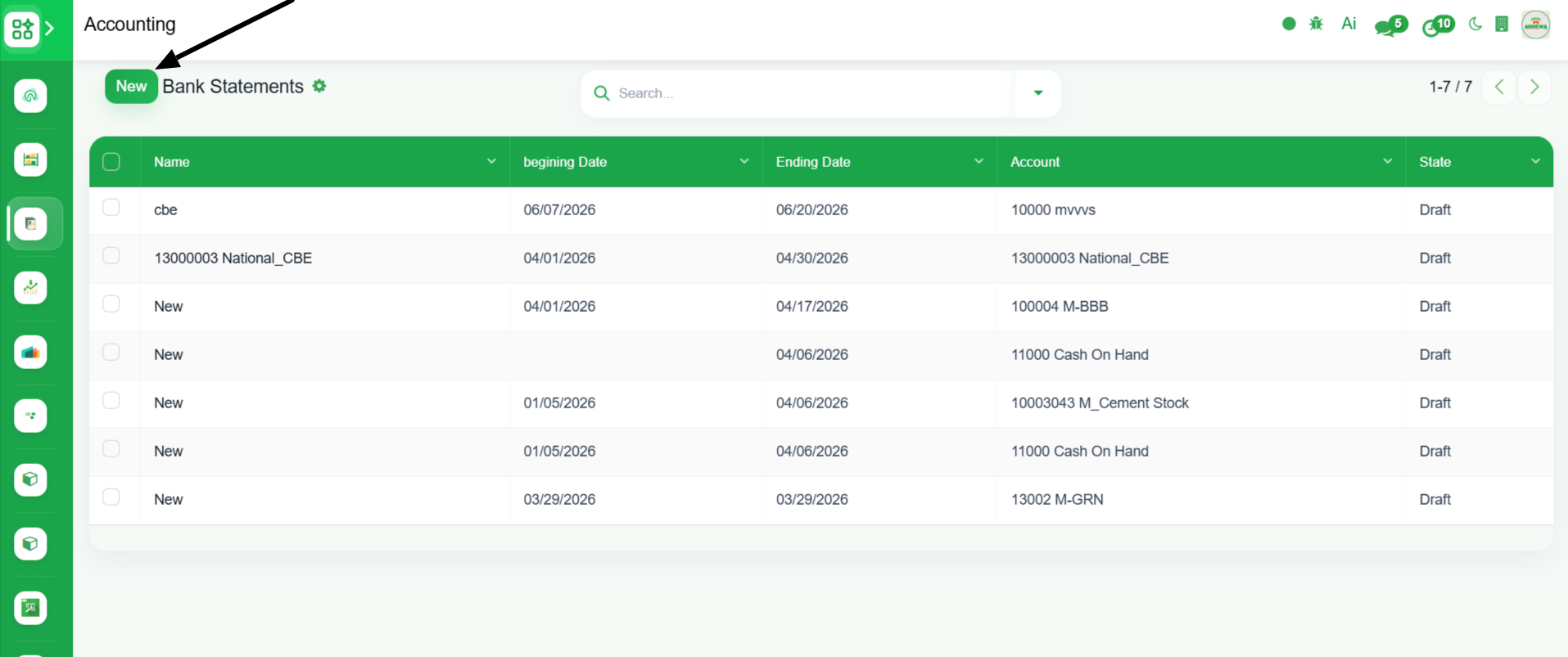
4. Click ‘New’
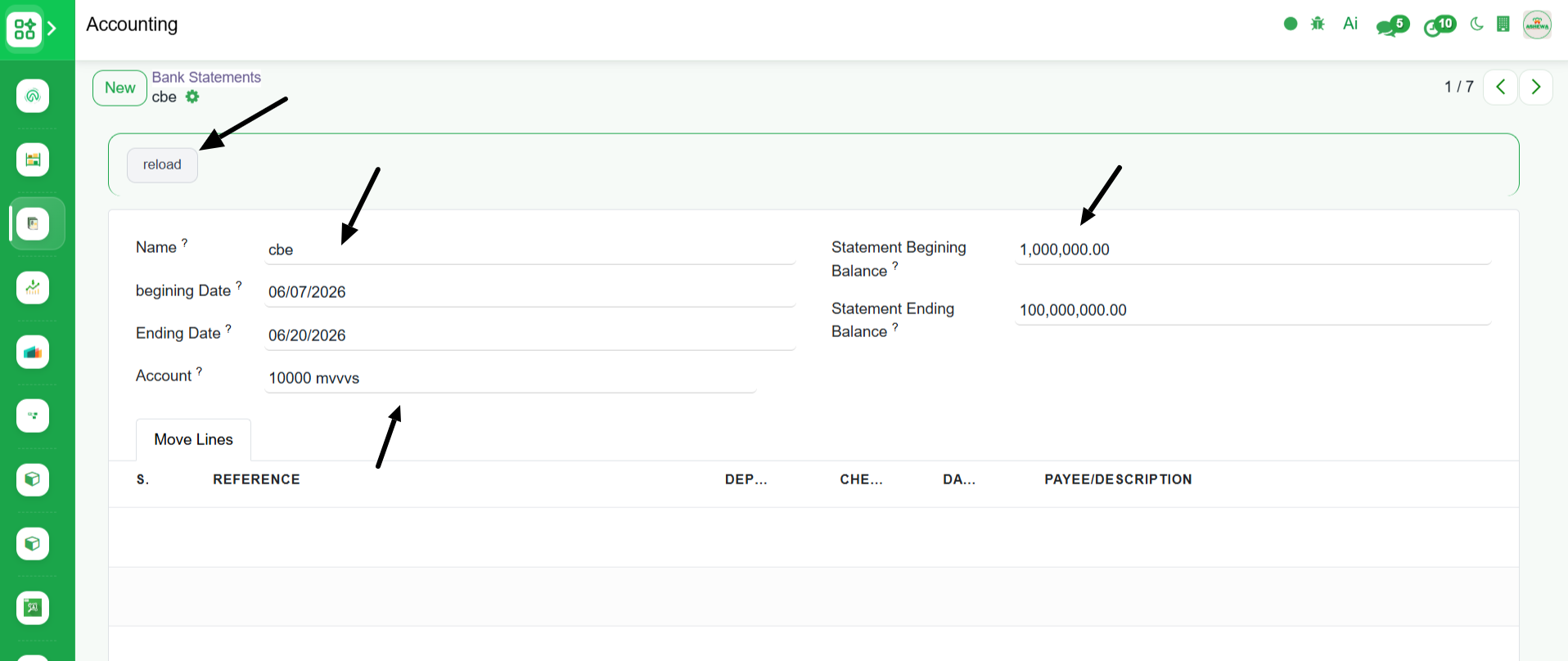
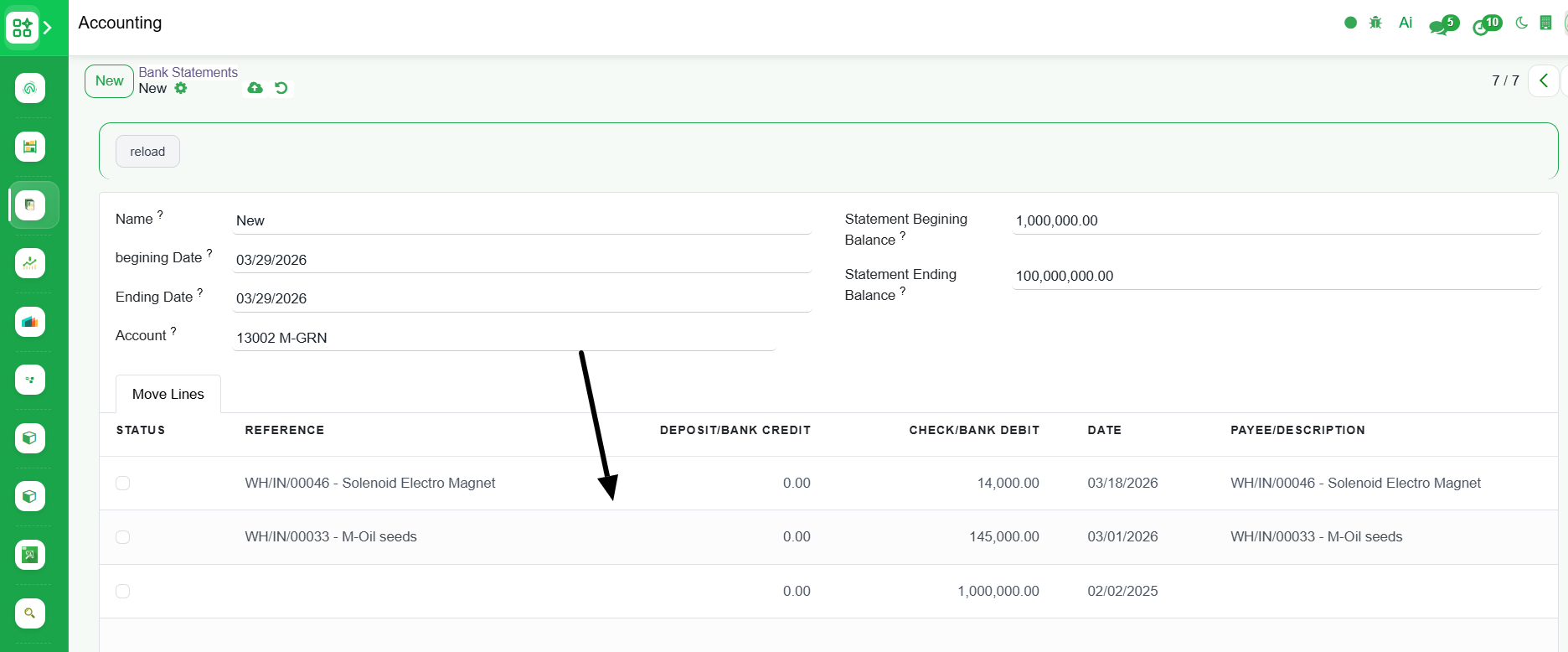
5. Enter the details like the bank statement reconcilation name, beginning and ending date, balance
6. Save
7 . Click ‘Reload’
8. After we click "reload" button, all the transaction for the selected Bank within the beginning and ending date range is displayed
Statement Summery section shows the detail information like the unreconciled difference