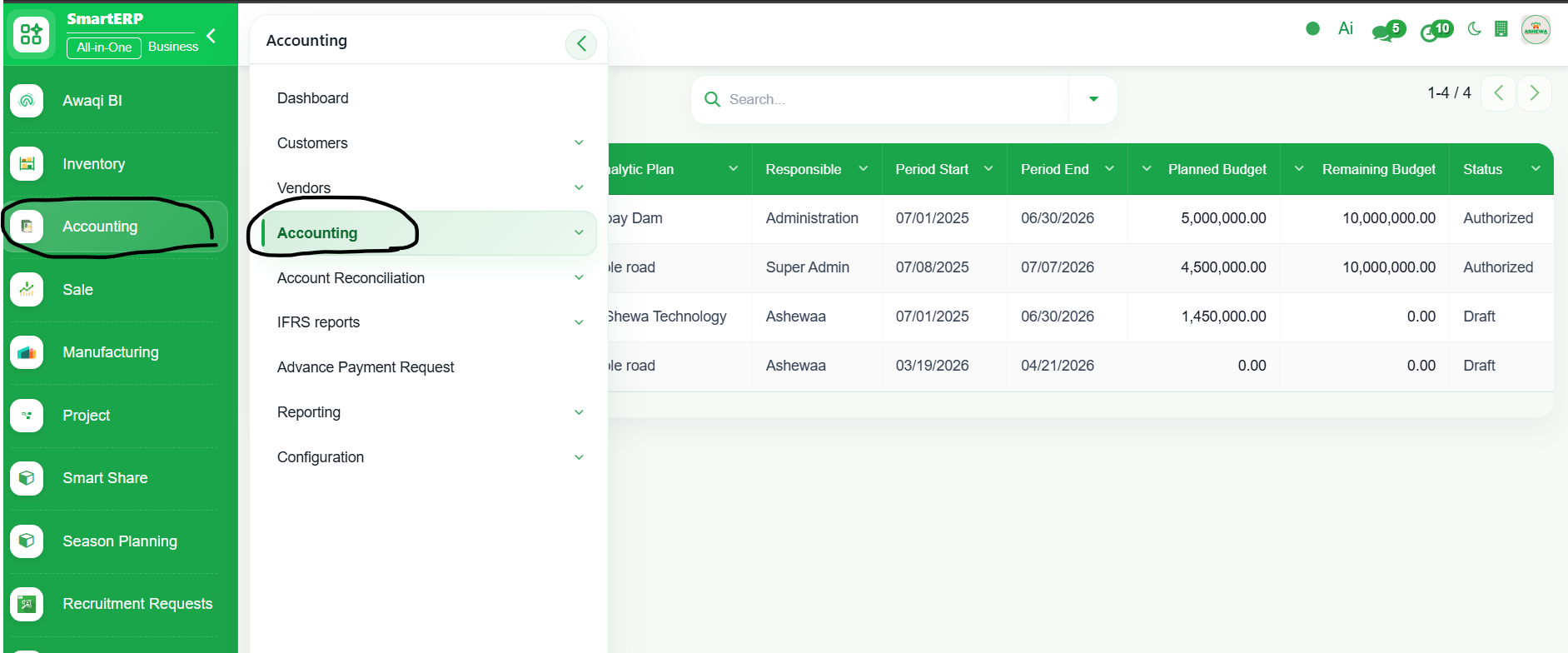
1. Go to Accounting
2. Click ‘Accounting’
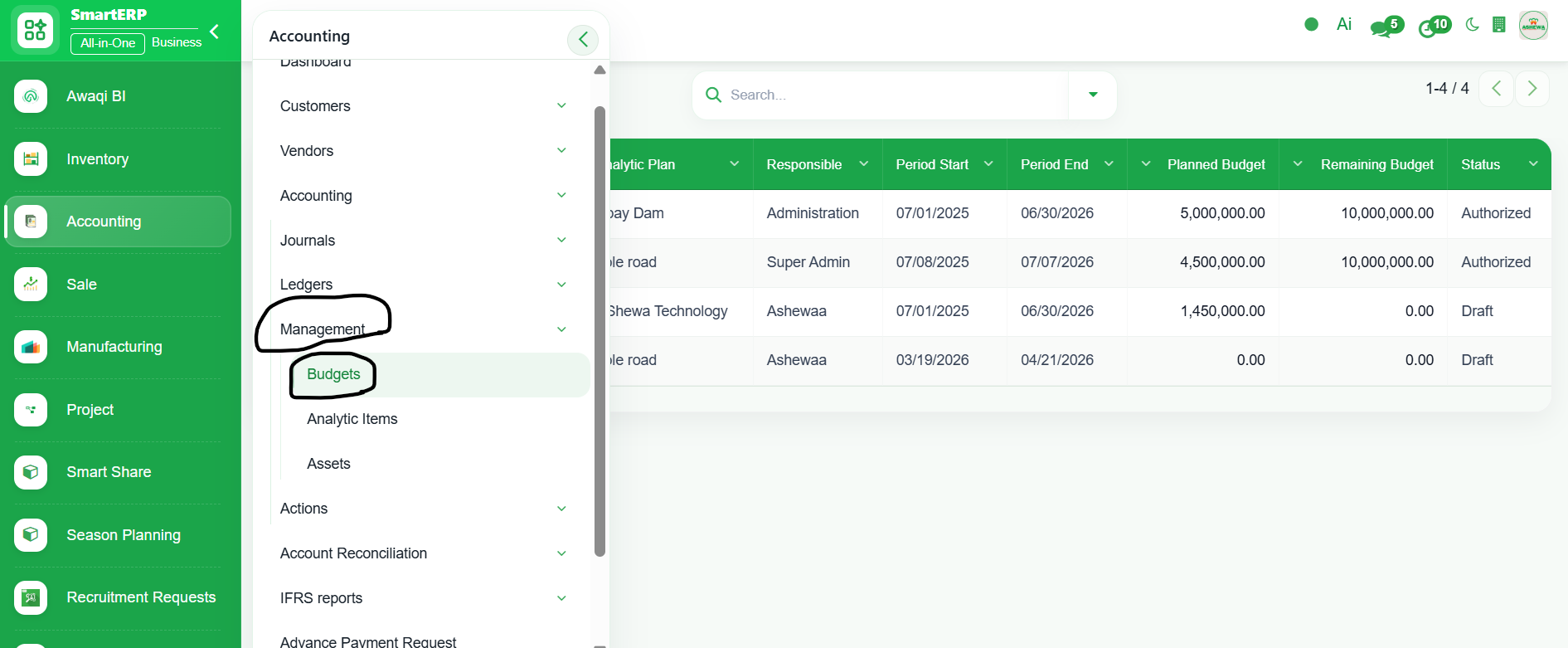
3. Select ‘Management’
4. Click ‘Budgets’
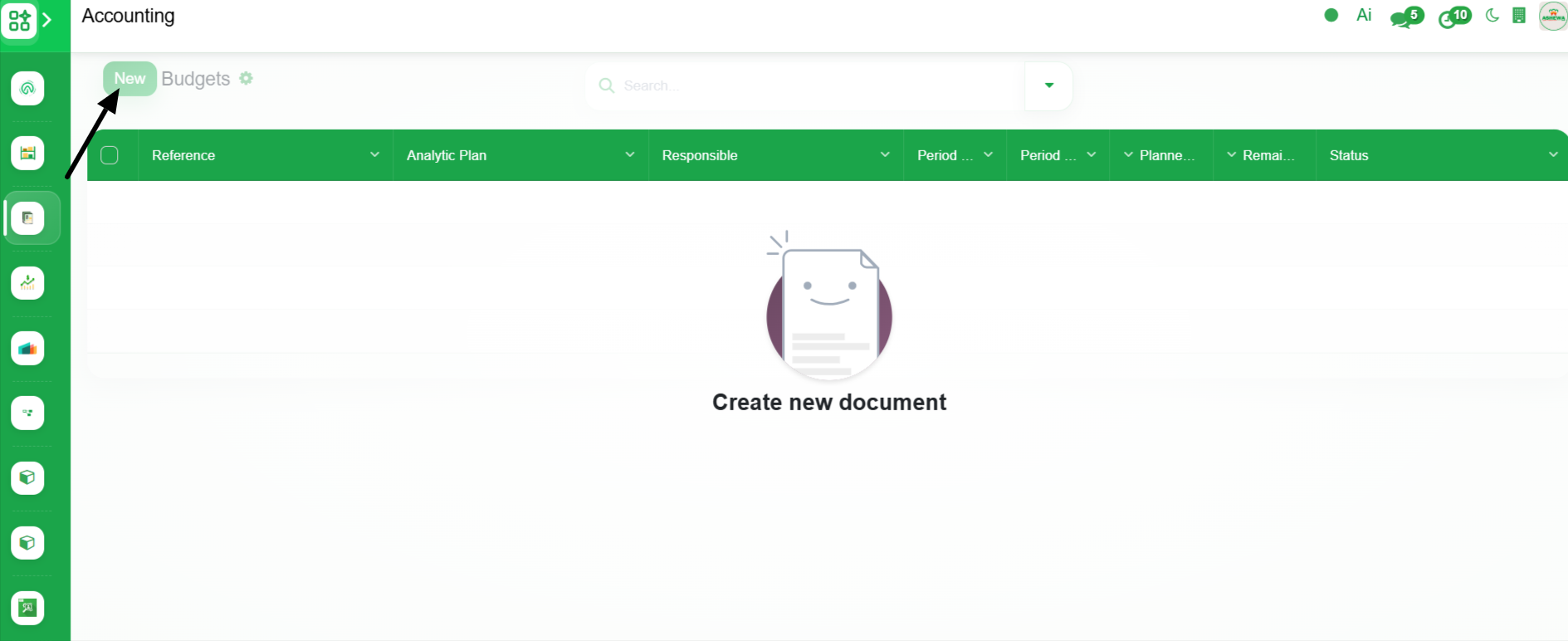
5. Click ‘New’
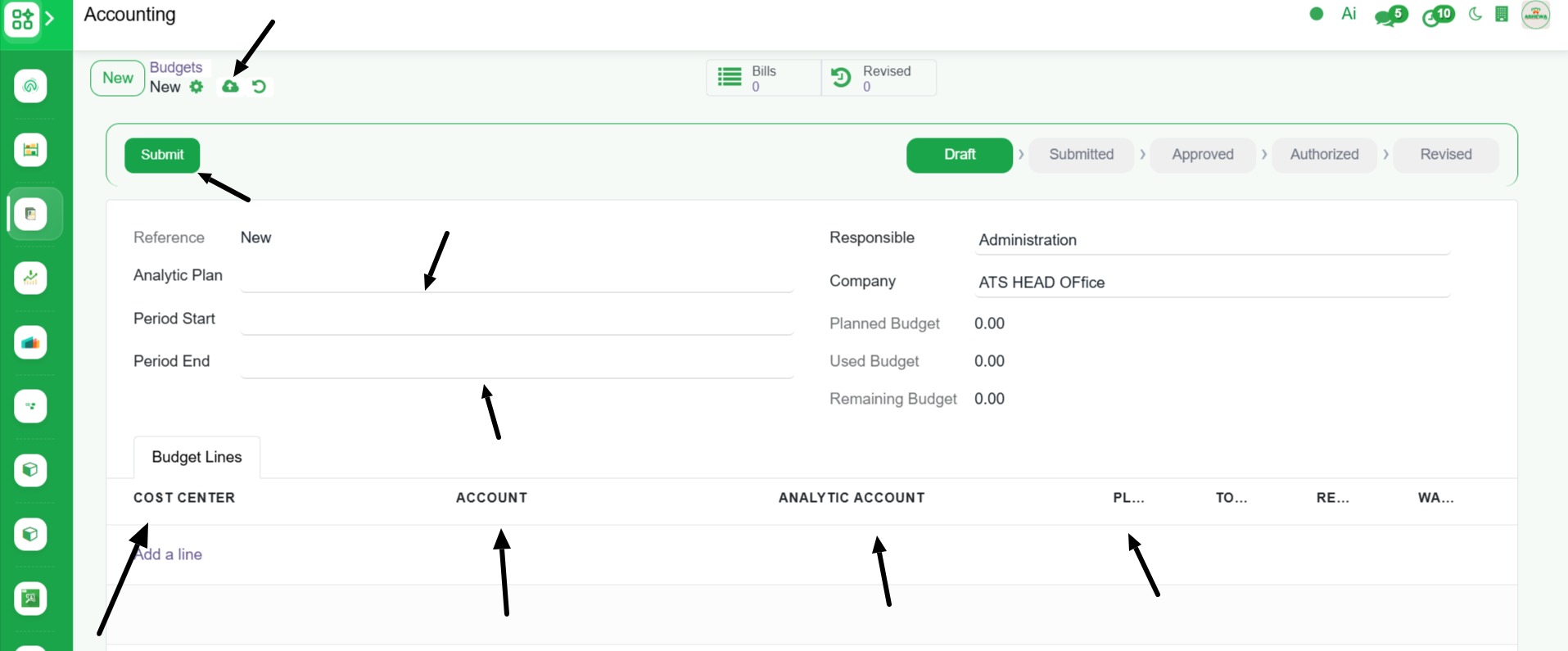
6. Enter the Details like Analytic Plan, Period start and end , Cost center, Account, Analytic Account and Planned amount and click "Save" and click ‘Submit’ button . The Budget is Sumbitted for Approval.
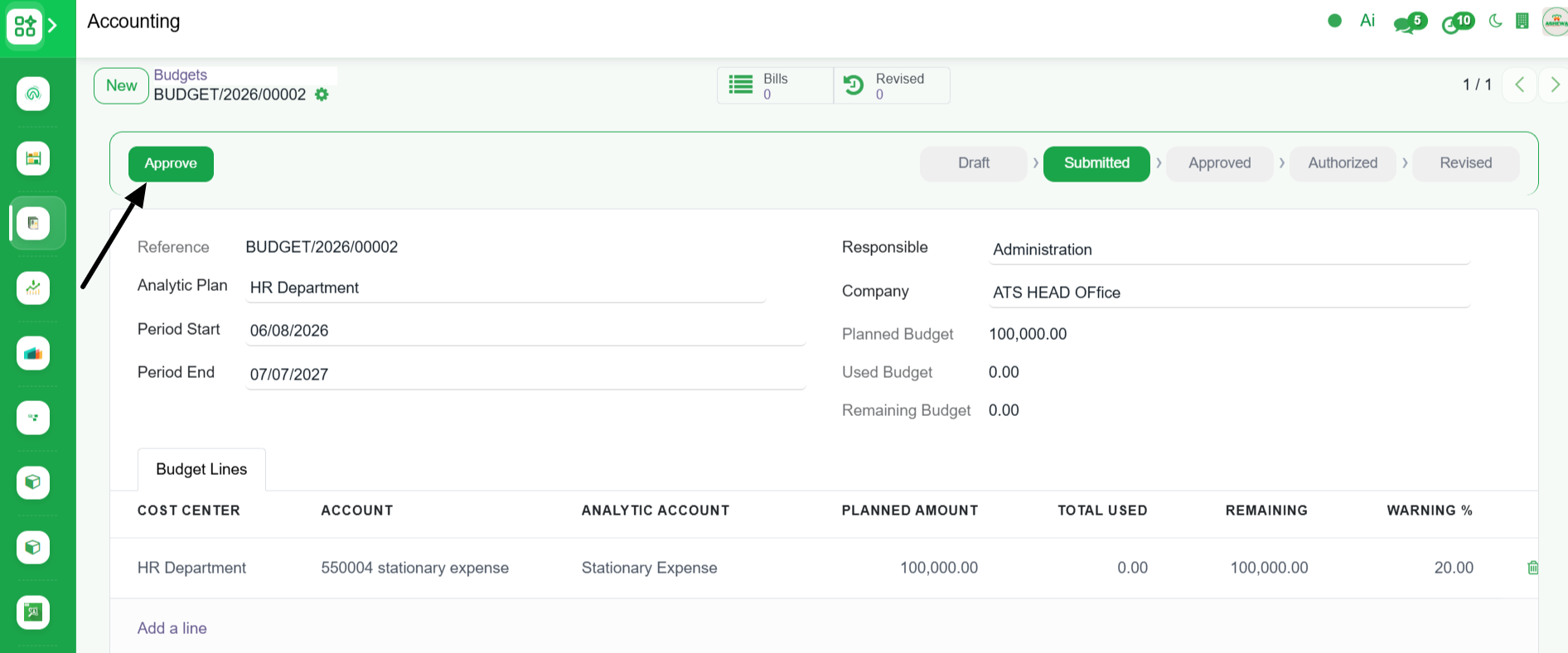
7. Click Approve button to approve the budget(It requires access right to Approve the budget)
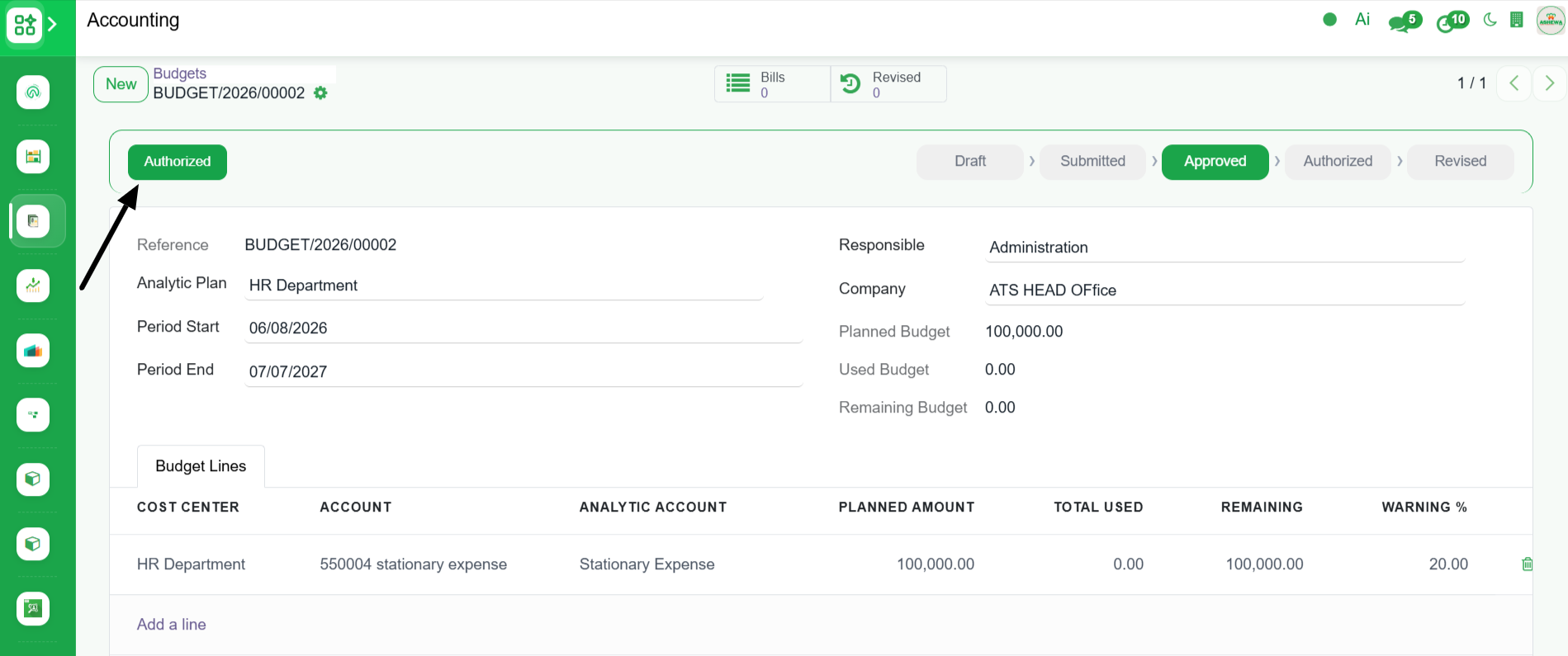
8. Click Authorize button to autorize the budget(It requires access right to Autorize the budget)
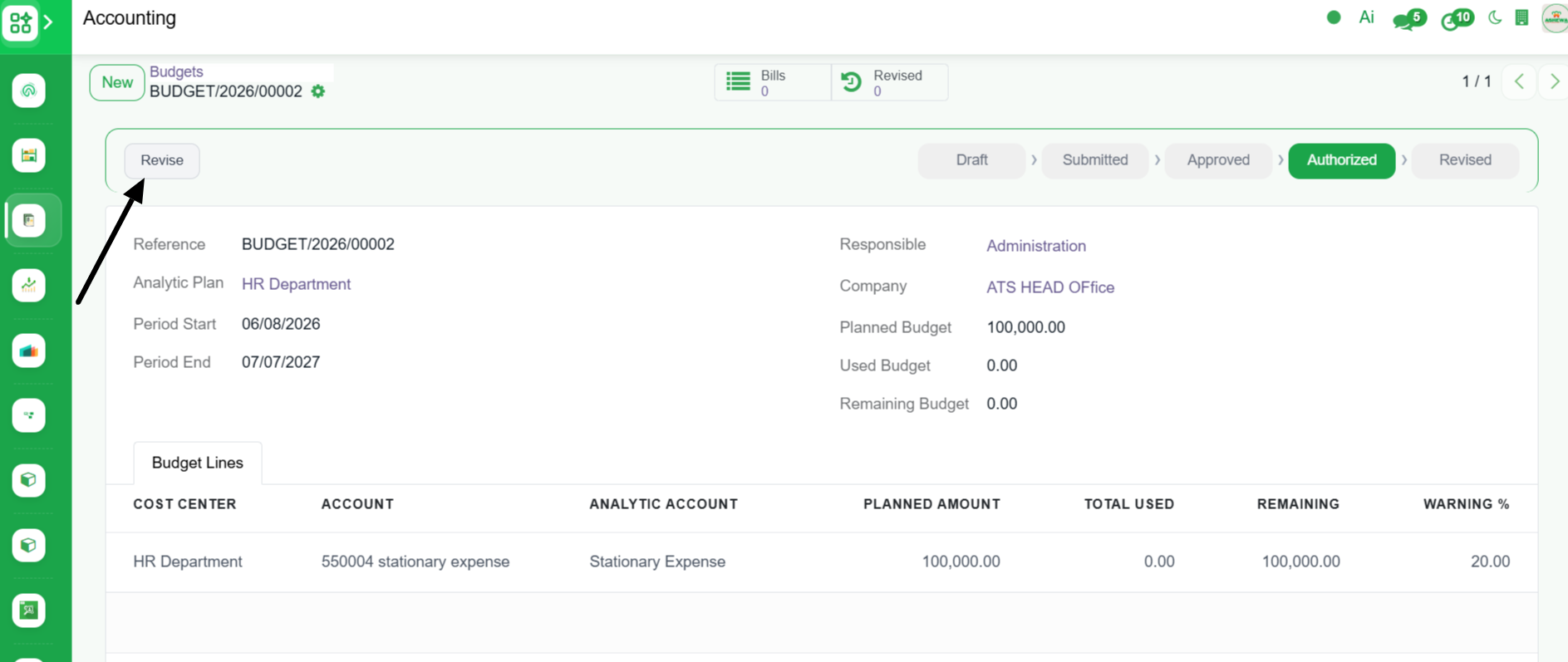
9. Click "Revise" button to revise the budget after the Budget is Approved and Autorized